![SWTB_logo_rgb_color_mode-wPadding-2000x961.png]](https://help.softwaretoolbox.com/hs-fs/hubfs/SWTB_General/Images/Press_Kit/SWTB_logo_rgb_color_mode-wPadding-2000x961.png?height=50&name=SWTB_logo_rgb_color_mode-wPadding-2000x961.png)
*This answer assumes that the DCOM Tutorial has been followed to completion, for all PCs involved and that you can ping the IP address of the remote machine.
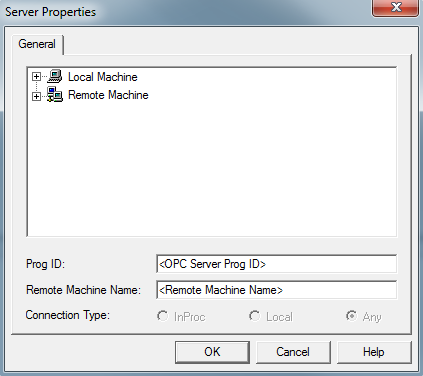
First, attempt to make a connection to the OPC Server by specifying the Remote Machine Name and OPC Server ProgID:
If the Client is unable to connect to the remote PC, next try to connect using the IP Address of the remote machine:
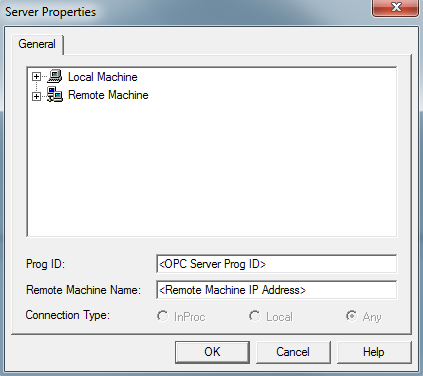
If the client application is able to connect to the remote OPC Server and browse the tag list using the IP and Server ProgID, this confirms that the DCOM security, it is likely that a host file has been configured to map the remote machine name to an incorrect IP address. Confirm that the host file is not assigning an incorrect IP, if this is the case, make the appropriate corrections to the host file.