![SWTB_logo_rgb_color_mode-wPadding-2000x961.png]](https://help.softwaretoolbox.com/hs-fs/hubfs/SWTB_General/Images/Press_Kit/SWTB_logo_rgb_color_mode-wPadding-2000x961.png?height=50&name=SWTB_logo_rgb_color_mode-wPadding-2000x961.png)
The following table of values demonstrates the different expressions of 16 bit data, signed and unsigned.
|
Binary Value |
Unsigned |
Signed Two's Complement |
Signed Magnitude |
|
0000 0000 0000 0001 |
1 |
1 |
1 |
|
1000 0000 0000 0001 |
32768 |
-32767 |
-1 |
|
0000 0000 0001 0000 |
16 |
16 |
16 |
|
1000 0000 0001 0000 |
32784 |
-32752 |
-16 |
The TOP Server Advanced Tag Plug-in can be used to convert an unsigned word into a signed magnitude value by using the modulo operator.
Formula
-(({InputTag}-{InputTag}%32768))/32768)*2-1)*({InputTag}%32768)
Example
-(((TAG (Data Type Examples.16 Bit Device.K Registers.Word1)-(TAG (Data Type Examples.16 Bit Device.K Registers.Word1)%32768))/32768)*2-1)*(TAG (Data Type Examples.16 Bit Device.K Registers.Word1)%32768)
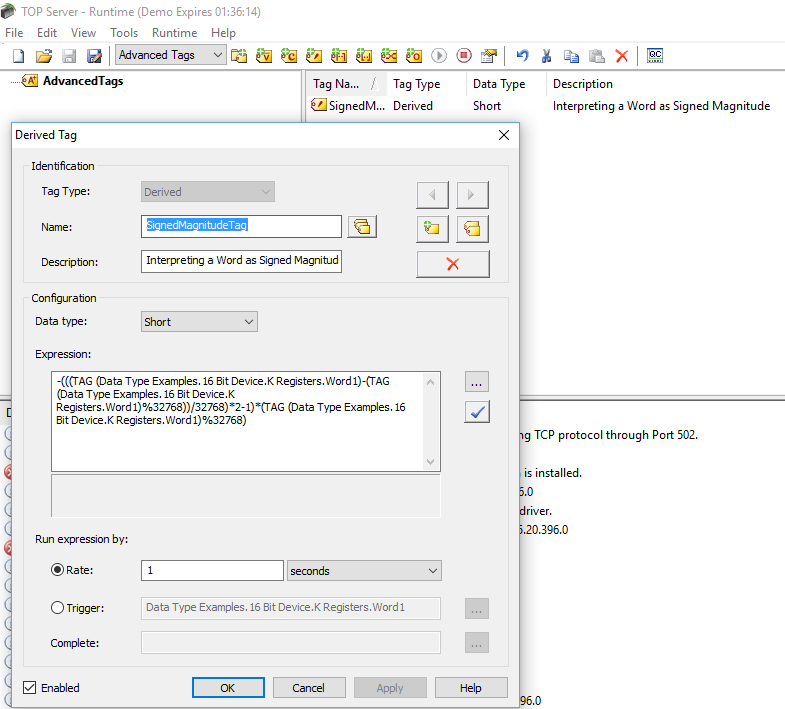
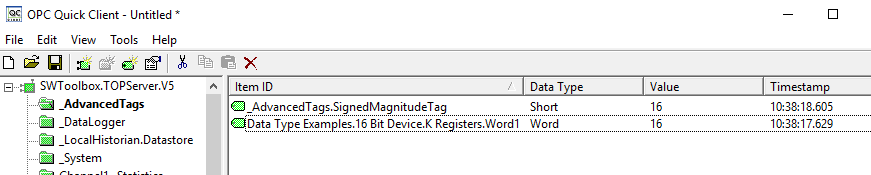
The following screenshots demonstrate the operation on the input tag 'Word1' and the output from the Derived Tag through the OPC Quick Client application.
Negative Values

Positive Values