![SWTB_logo_rgb_color_mode-wPadding-2000x961.png]](https://help.softwaretoolbox.com/hs-fs/hubfs/SWTB_General/Images/Press_Kit/SWTB_logo_rgb_color_mode-wPadding-2000x961.png?height=50&name=SWTB_logo_rgb_color_mode-wPadding-2000x961.png)
There are a couple of easy tests that can be done with the OPC Quick Client that allow us to confirm device connectivity and addressing.
Open the Quick Client from the TOP Server Window

This will open the Quick Client with a connection to the TOP Server. The Quick Client will be populated with all statically addressed tags from the project and all TOP Server system tags.
Open the Quick Client from the TOP Server Administration (System Tray)
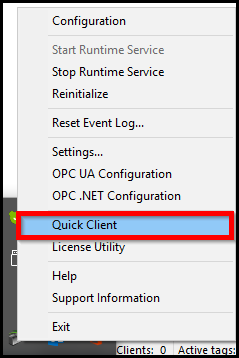
This will open a blank OPC Quick Client. You will need to manually add the connection to the TOP Server, define a group, and add any tags that you want to read.
Click the New Server Button:
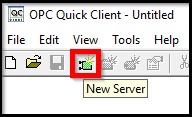
Define the Server Properties:
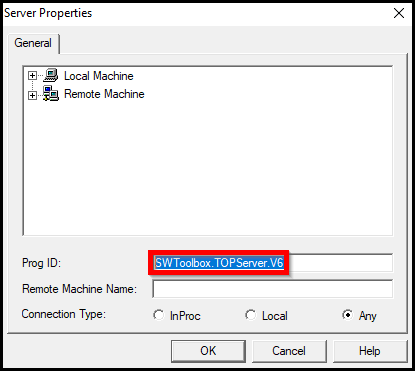
(In our example, we are connecting to the Program ID of TOP Server v6 on the local machine. You can also use the window to browse for servers that are exposed through OPC Enum.)
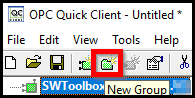
Add a Group to the Server Connection:
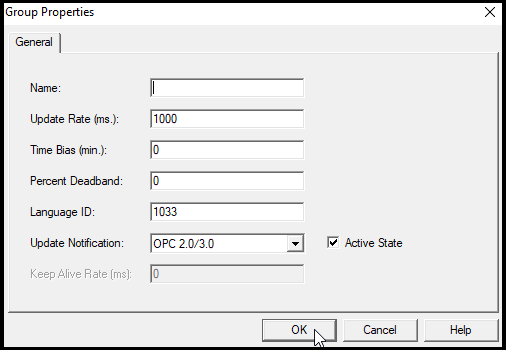
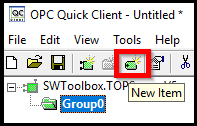
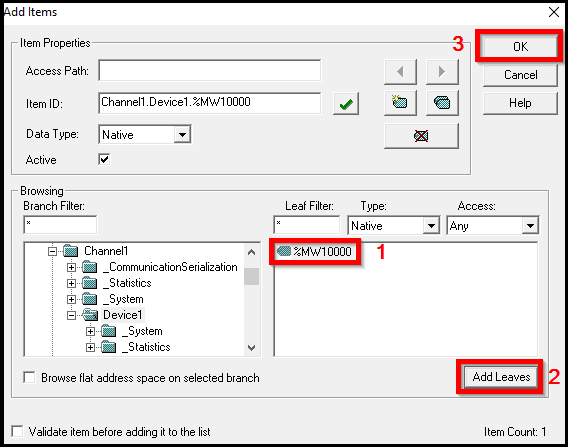
Add Items/Tags to your new group: