![SWTB_logo_rgb_color_mode-wPadding-2000x961.png]](https://help.softwaretoolbox.com/hs-fs/hubfs/SWTB_General/Images/Press_Kit/SWTB_logo_rgb_color_mode-wPadding-2000x961.png?height=50&name=SWTB_logo_rgb_color_mode-wPadding-2000x961.png)
There are two options for activating a license. If your computer has Internet access, the Online steps are quickest.
- Open OPC Router and click Menu in the top-left corner. Select License from the menu to open the License overview.
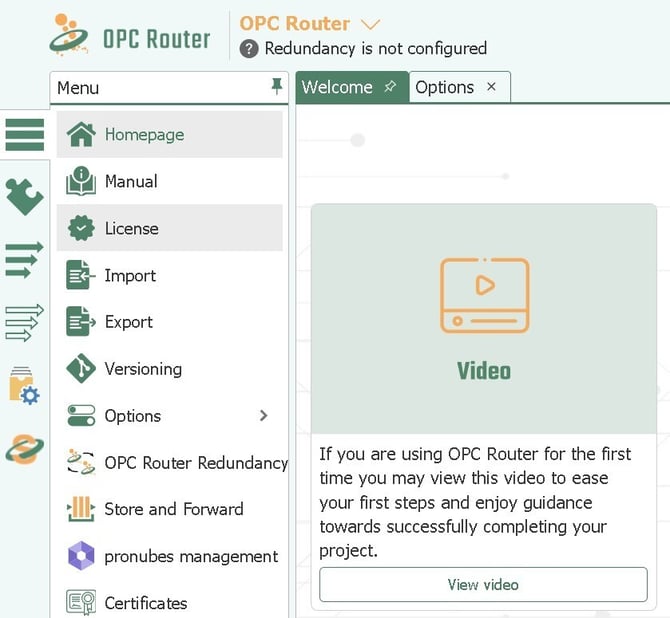
- On the License overview page you will see both Online licensing and Offline licensing options. Choose your preferred method and follow the corresponding steps.
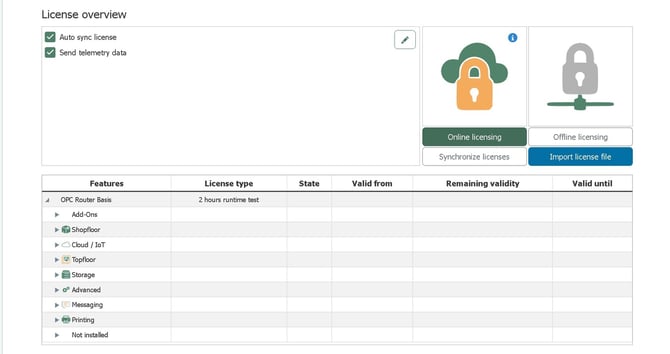
Online Activation Instructions:
-
Select "Online licensing"
-
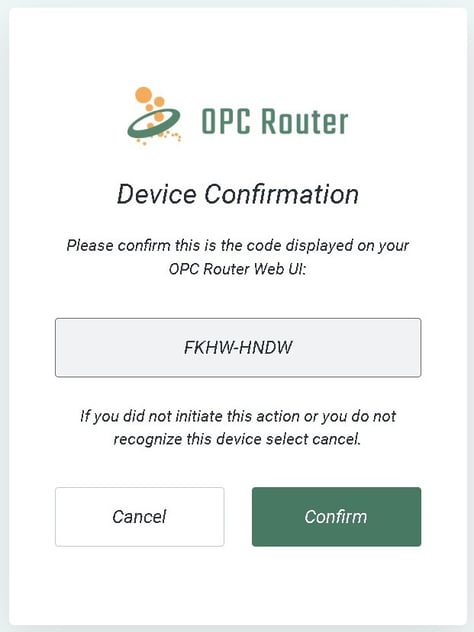
A dialog appears with a short device code. Click the link provided to open the OPC Router license portal in your browser. Compare the code shown in the portal with the code displayed here, then confirm to link your device.
- The license portal shows a Device Confirmation screen. Verify that the code matches the one displayed in OPC Router, then click Confirm.
-
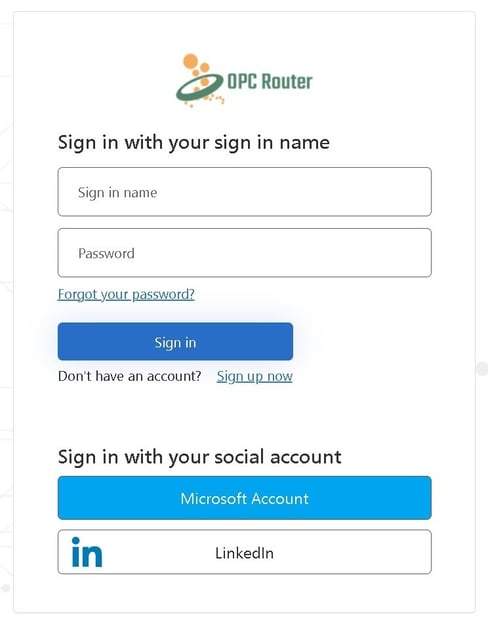
Sign in with your existing OPC Router account or create a new account. The portal will confirm your device is now connected. Return to OPC Router — the Login dialog will close automatically within a few seconds.
-
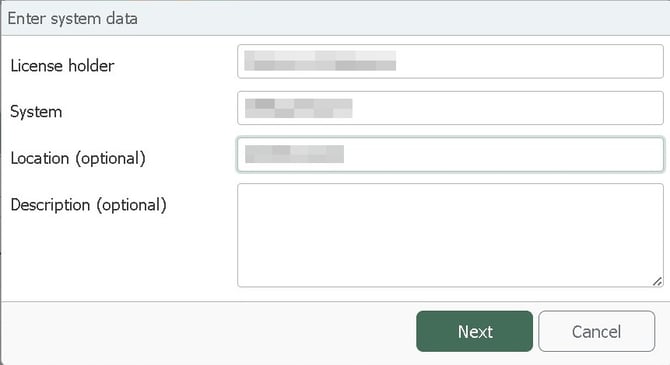
Add some useful notes to help identify where this license is in use, Click Next
-
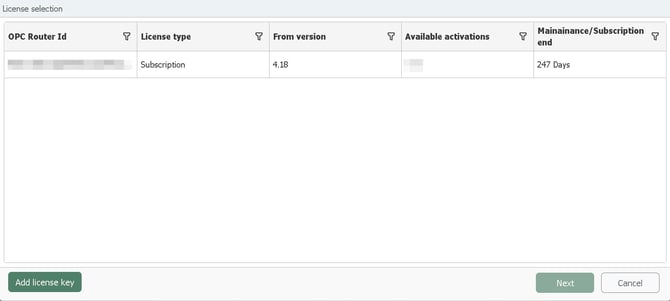
Click "Add License Key"
-
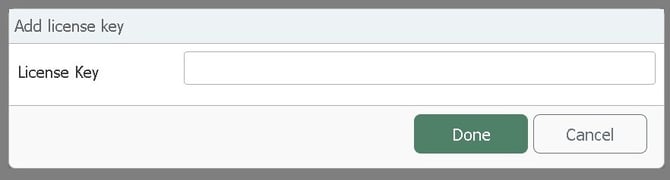
Input your license number
-
Click Done
-
Click Done again to Complete the licensing process, no restart is required
Offline Activation Instructions:
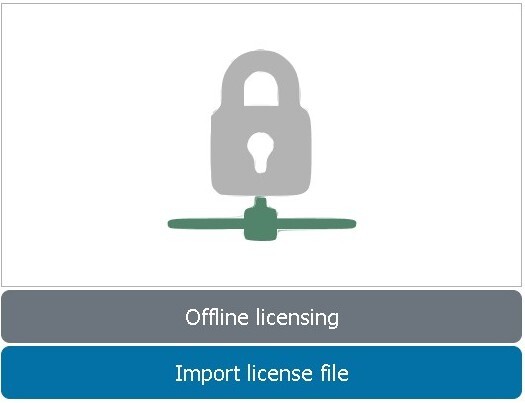
- Select "Offline licensing"
-
Click Import license file — OPC Router will generate a license request file and provide further instructions.
-
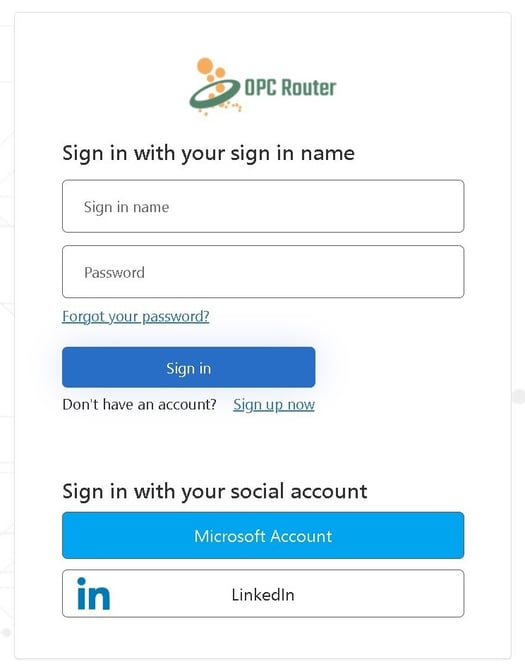
Go to https://license.opc-router.com/ (not supported in Internet Explorer)
-
Sign in with your existing OPC Router account or create a new account
-
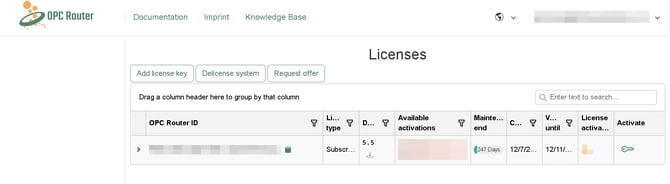
Under the License section, click "Add License Key"
-
Input your license number
-
Click Ok
-
Click the key icon in the Activate column for your license
-
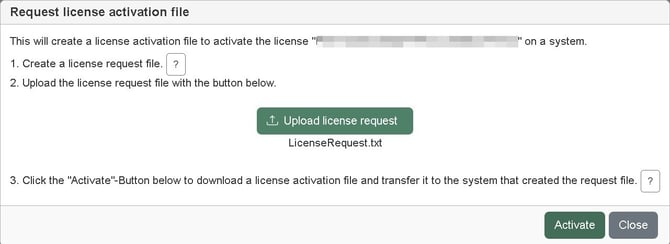
Select the Request File you saved from step 4, click Activate
-
Download the resulting activation.lic file
-
Go back to the OPC Router License Manager and Import License File
-
The activation process is complete and no restart is required