![SWTB_logo_rgb_color_mode-wPadding-2000x961.png]](https://help.softwaretoolbox.com/hs-fs/hubfs/SWTB_General/Images/Press_Kit/SWTB_logo_rgb_color_mode-wPadding-2000x961.png?height=50&name=SWTB_logo_rgb_color_mode-wPadding-2000x961.png)
- Create backup of project file for safe keeping:
- Open server configuration utility > File > Save As > your_project.opf
- Run installer of current running version.
- You may download a new copy of TOP server from our site: https://softwaretoolbox.com/top-server/free-trial
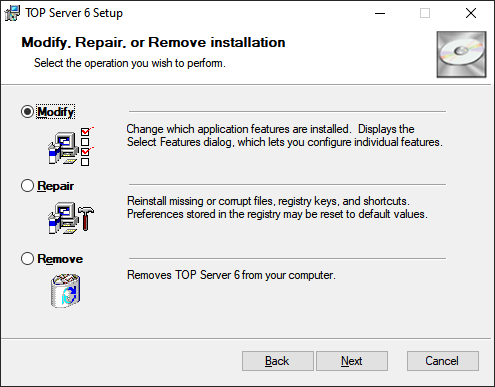
- You may download a new copy of TOP server from our site: https://softwaretoolbox.com/top-server/free-trial
- Select Remove
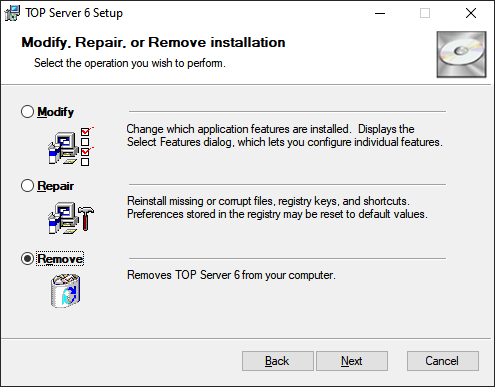
- Click Next
-
Option given for "Remove User Data"
- If selected, will delete project file and user settings
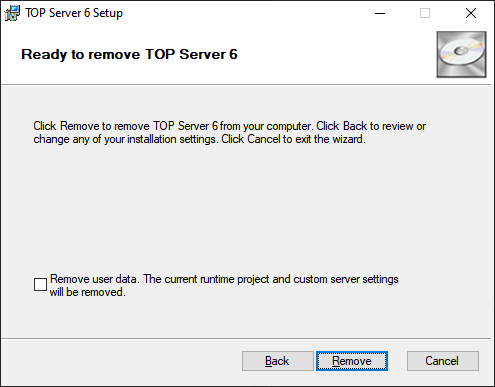
- Click Remove
- If selected, will delete project file and user settings
- Removal is complete
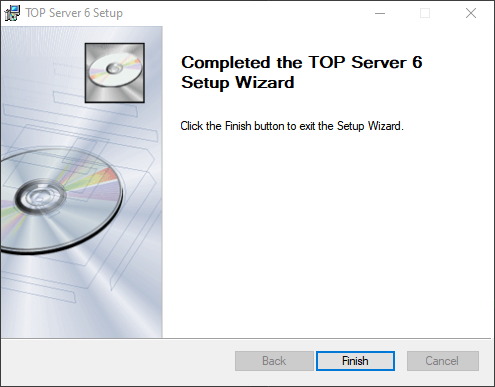
- Click Finish to exit