![SWTB_logo_rgb_color_mode-wPadding-2000x961.png]](https://help.softwaretoolbox.com/hs-fs/hubfs/SWTB_General/Images/Press_Kit/SWTB_logo_rgb_color_mode-wPadding-2000x961.png?height=50&name=SWTB_logo_rgb_color_mode-wPadding-2000x961.png)
Users must be careful when applying their license file to the License Manager. This issue has been seen to be more common in version 2024.1 due to certain changes made to the toolkit.
When installing the license file, users MUST make sure the Component is properly selected in the drop-down menu (most often this will be QuickOpc with the ExcelConnector also being available). Failure to select the correct Component will result in the toolkit operating in demo mode.
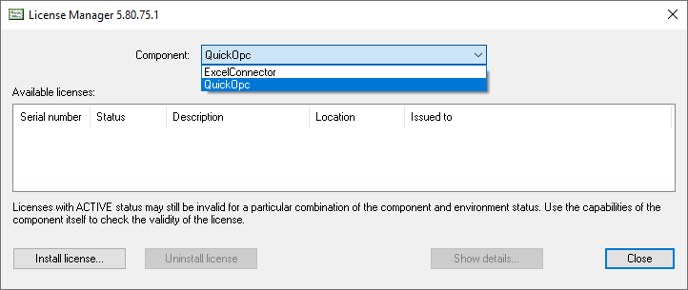
Some users may instead see the Component licensed in the License Manager appear as OpcStudio:
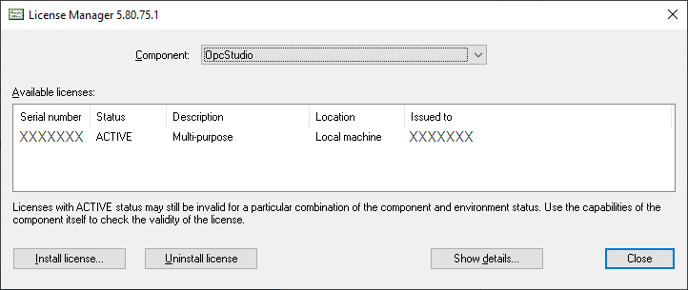
If you have the license file applied to the OpcStudio component, this means that no Component was selected at all from drop-down when installing the license file. In this scenario, the toolkit will also operate under demo mode. To fix this, uninstall the license from the OpcStudio component, switch to QuickOpc and install the license there.
Licensing via the License Manager is not the only way to license the OPC Data Client. Please see here for other licensing methods: OPC Data Client Licensing Options